Sonnounce – a free voice messaging app for Sonos (Review)
Introduction to Sonnounce
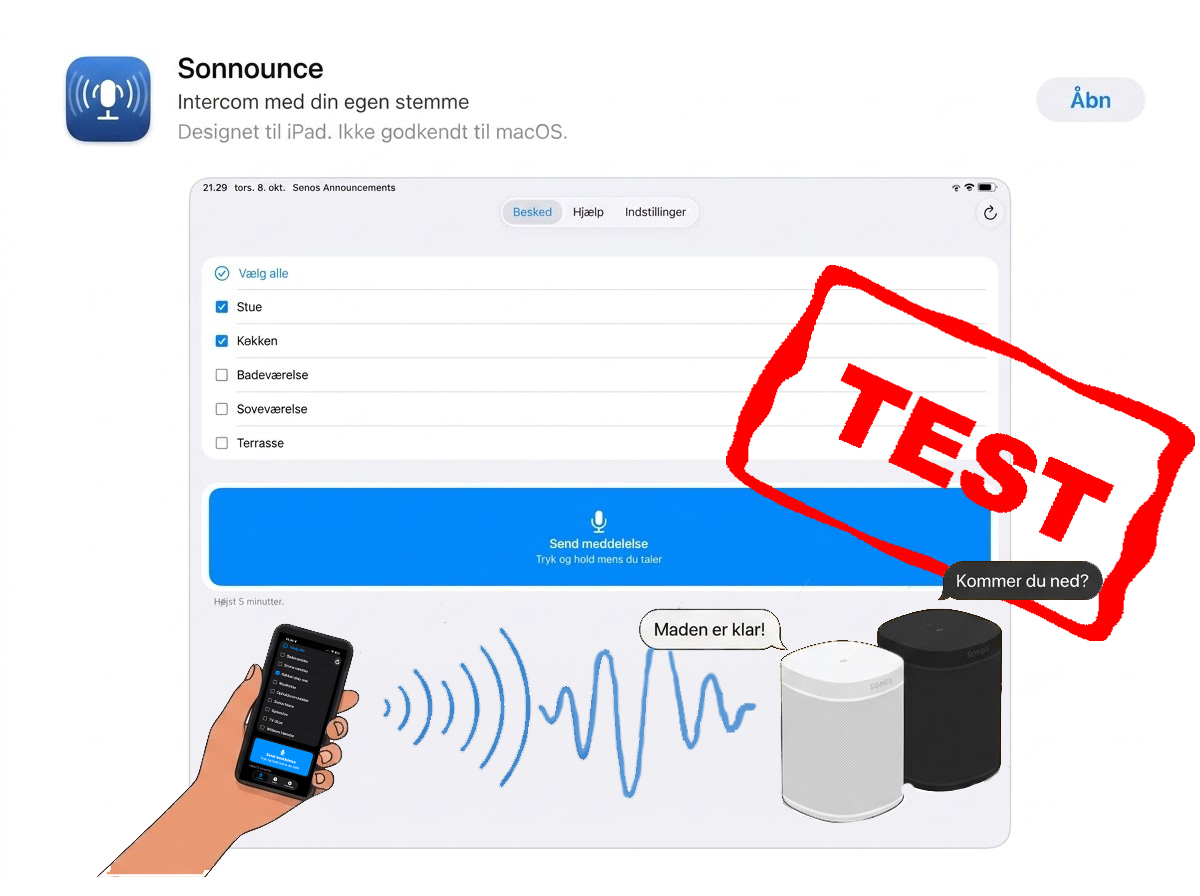
Sonnounce is a free app that lets you send voice messages directly to your Sonos speakers. I previously used suboptimal text-to-speech solutions with poor audio quality. Sonnounce records your message on your phone and plays it back immediately. This is practical for notifying children in their rooms that dinner is ready or asking for help around the house.
Features and Network
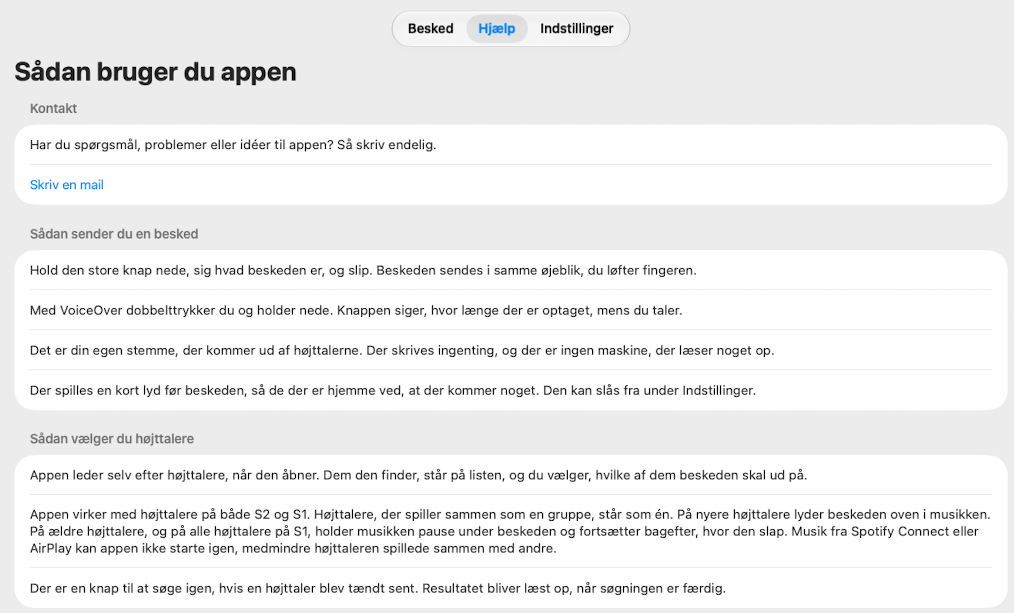
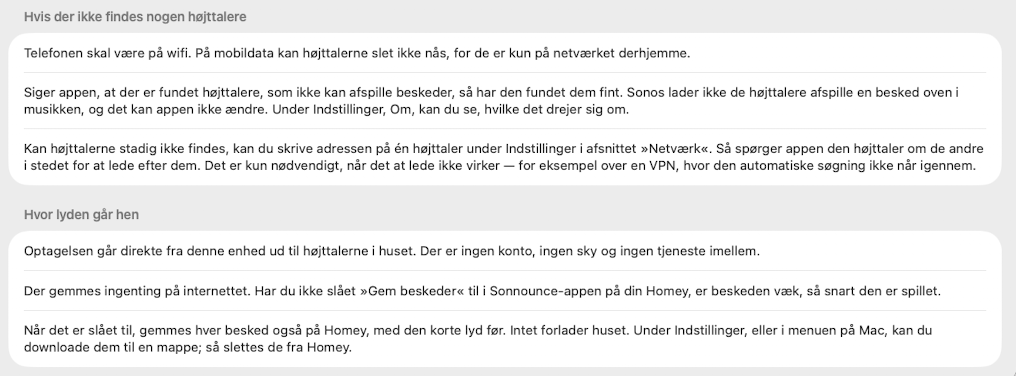
The app automatically identifies Sonos devices on your local wireless network. It requires no user account, and all data traffic remains local.
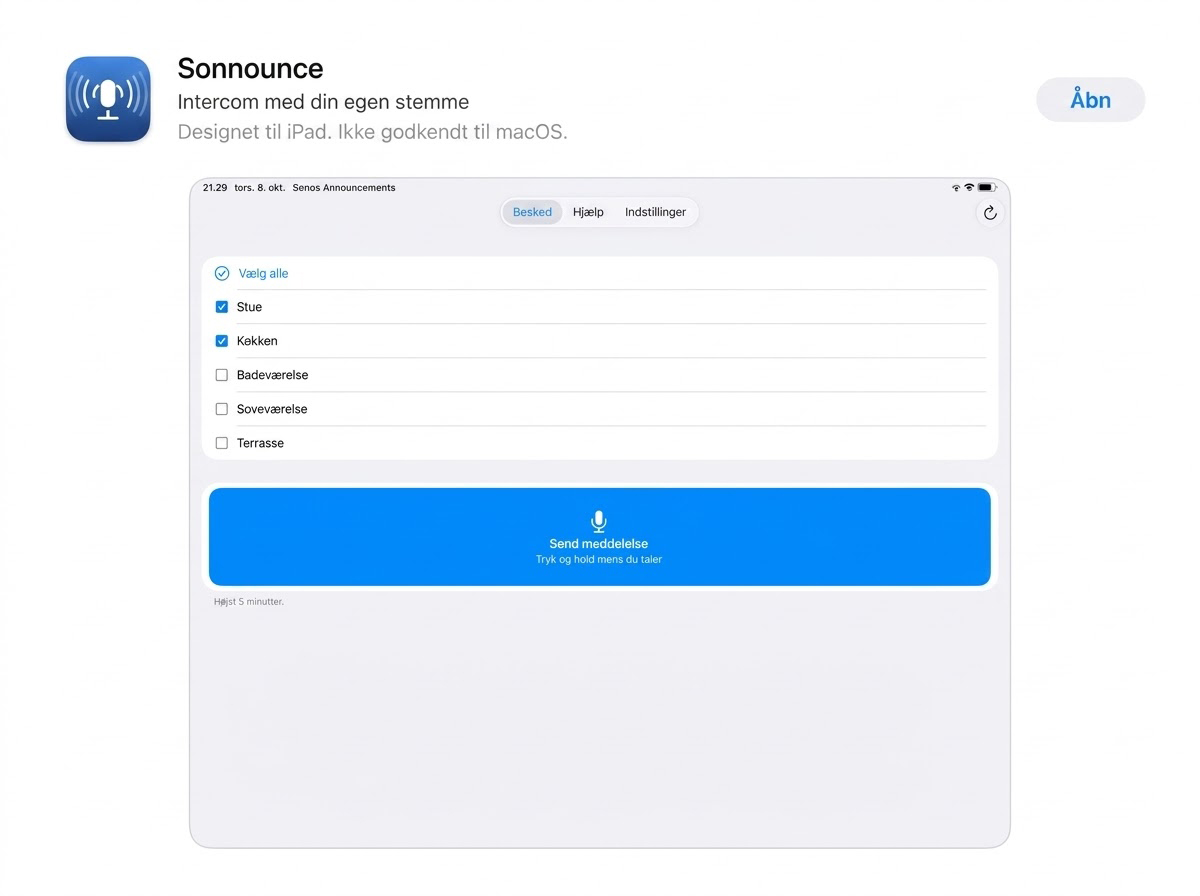
You select the target speakers from a clear list. To send a message, hold down the send button in the app. On a Mac, use the right Command key. A short notification tone plays before the message to alert listeners.
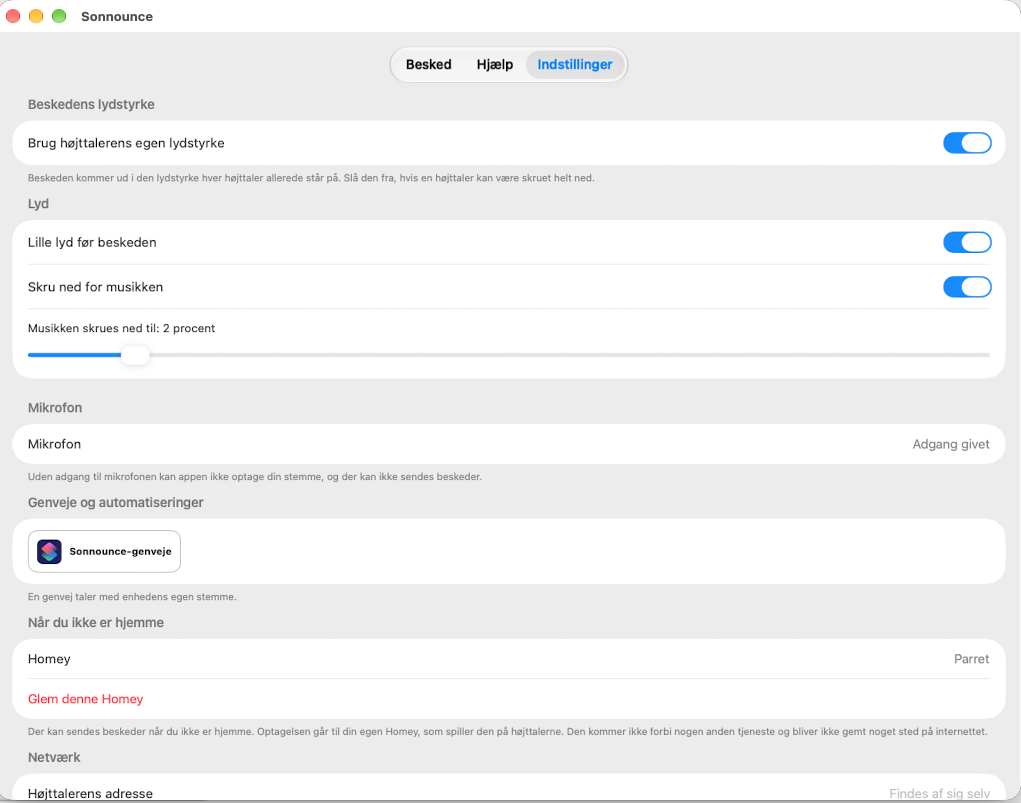
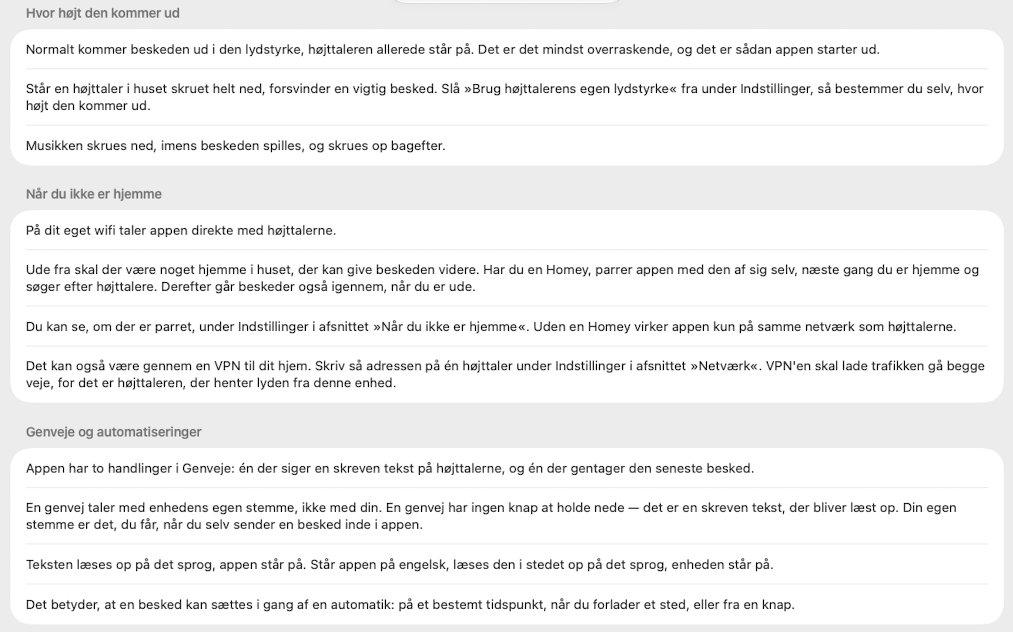
Sonnounce automatically lowers the volume of any current playback and restores it afterward. You can set a fixed volume for the announcements to ensure they are heard, even if a specific speaker is turned down. Messages can be up to five minutes long.
User Interface
The interface is simple. Sonnounce has one purpose: sending messages via Sonos speakers. It executes this without graphic distractions. The design is minimalist. It could be more visually appealing, but it functions exactly as required.
Integration with Homey Pro and Shortcuts.
Sonnounce supports Apple Shortcuts for automations. There is also a dedicated app for Homey Pro. This allows you to send messages to the Sonos system from outside your home network. This fits well with my setup (Read the Review of Homey Pro 2026 in Danish).
The Developer
The app is developed by Tobias Vinzents, who is blind. The app solves a specific problem and is offered without fees, subscriptions, or ads. You can support the development with a donation via PayPal or Vipps (MobilePay).
Share your experiences with Sonnounce in the comments section below (jump to comments).
Images
Download Sonnounce
The app is available for Apple devices and Homey. An Android version is currently in testing and is expected in mid-November.
- iPhone, Apple Watch, og iPad
- Mac – I found out that you may install the iOS app (iPad) on your Mac, and the UI is nicer that the Mac-software.
- Homey
- Android (Test)
Conclusion
- Information
- Seneste indlæg
- Samarbejde?

Bor i Kolding med min hustru Heidi og vores to skønne børn Emma og William. Jeg elsker ALT der gør hverdagen bedre, lettere eller bare sjovere. Jeg elsker god mad og inspirerende oplevelser, og så har jeg altid haft et blødt punkt for gadgets og lækkert udstyr til hjemmet. Til daglig er jeg medicinmand i det danske hospitalsvæsen.