Fix: IKEA MYGGSPRAY/MYGGBETT – how to add to Homey Pro
IKEA Matter Sensors and Homey Pro
We were all sold the same dream regarding Matter. It was supposed to be the universal translator for our smart homes. No more walled gardens and no more compatibility headaches. Just plug, play, and relax.
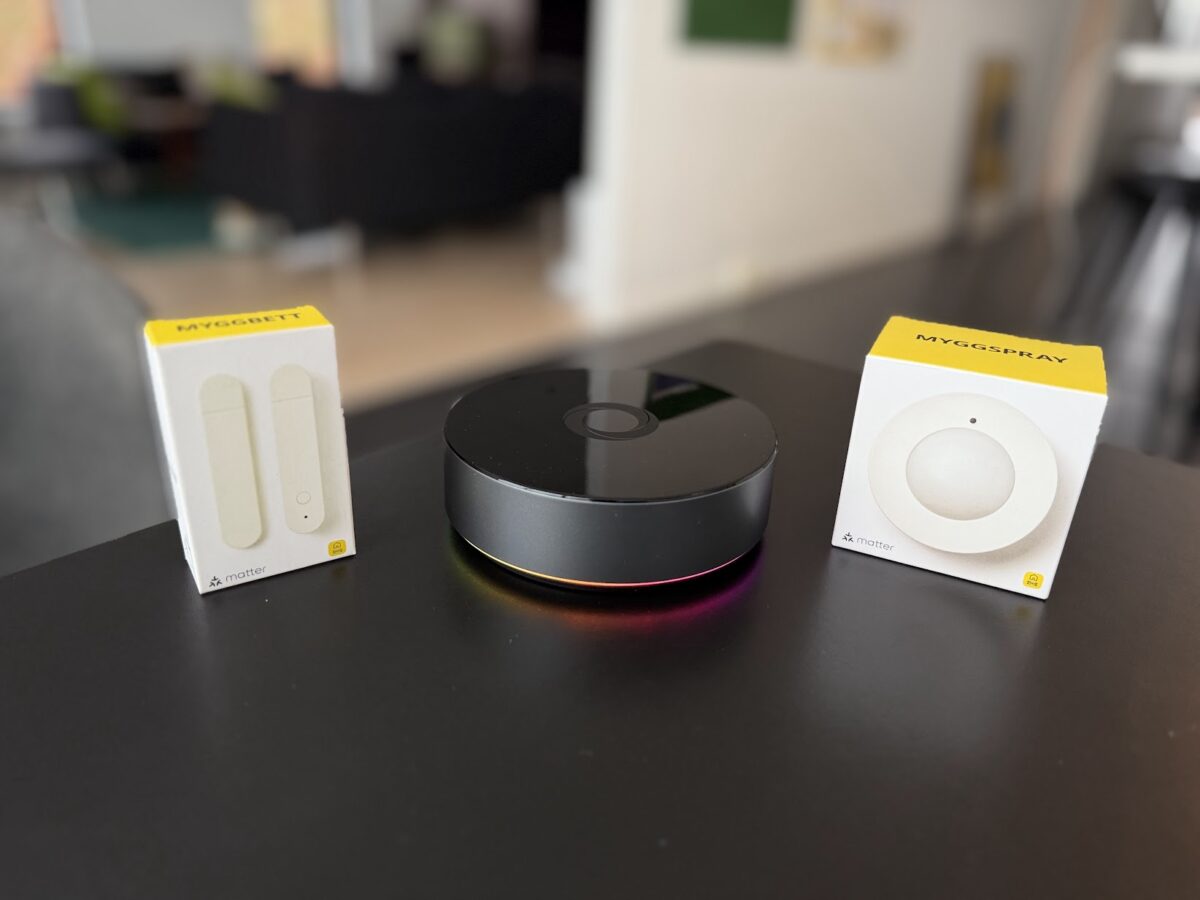
Well, if you have tried adding IKEA’s latest Matter over Thread devices to your Homey Pro recently, you probably know that dream is still a bit of a hallucination. Specifically, the MYGGSPRAY motion sensor and MYGGBETT door sensor seem to cause trouble. The reality is messy. Homey Pro often refuses to recognize these devices during the pairing process. You put the device in pairing mode, Homey searches, and then nothing happens. Or worse, it adds a generic Unknown Device that does absolutely nothing.
I am not the only one pulling my hair out. Forums are filling up with users reporting that these budget friendly sensors are dropping off networks or failing to pair entirely. It seems the universal standard is not quite so universal yet.
The Solution
After a bit of trial and error and a healthy dose of skepticism, I found a reliable way to get them working. It turns out the driverless promise of Matter is not quite there for these specific devices yet. IKEA and Homey Pro do in fact work together and you should be able to pair them correctly if you follow the video instructions.
To get Homey Pro to properly recognize and talk to MYGGSPRAY and MYGGBETT, you must have the official IKEA Smart Home app installed on your Homey Pro before you attempt the pairing. It seems Homey needs those specific definitions to make sense of the incoming Matter signals from IKEA hardware. I have put together a short video where I walk you through the installation process for both devices, proving that you can get them stable if you know this one trick.
Video on how to fix IKEA and Homey Pro pairing
Step by Step Guide
If you are struggling to add IKEA Matter over Thread devices to Homey Pro, follow this specific order of operations.
- Install the App: Open the Homey App Store and ensure the IKEA Smart Home app is installed on your Homey Pro.
- Verify Updates: Check that both your Homey Pro firmware and the IKEA app are updated to the latest versions.
- Pairing Mode: Reset your IKEA device by holding the pairing button for 12 seconds until blinks red followed by longer red and restart the pulsing light.
- Add Device: In the Homey app, go to Add device, then select IKEA Smart Home app, and choose the item you are installing.
- Choose Add with Homey Pro: Scan the Matter QR code on the device.
Note that without the IKEA app installed on Homey, the hub may fail to identify the device type resulting in a failed connection.
Follow on instagram

Comments and questions??
You are always welcome to leave a comment or share similar experiences in the comment section below (go there).
Have a great day. 🍀
Want to help?

- Information
- Seneste indlæg
- Samarbejde?

Bor i Kolding med min hustru Heidi og vores to skønne børn Emma og William. Jeg elsker ALT der gør hverdagen bedre, lettere eller bare sjovere. Jeg elsker god mad og inspirerende oplevelser, og så har jeg altid haft et blødt punkt for gadgets og lækkert udstyr til hjemmet. Til daglig er jeg medicinmand i det danske hospitalsvæsen.